Downloadable
RSLinx Classic Configuration Using ANC-120e-USB-DH+

(0 Ratings)
1
$4.00$10
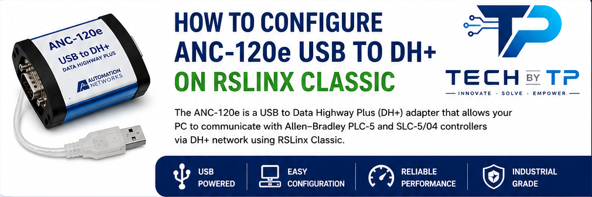
Based on the available ANC-120e user documentation and RSLinx setup references, the key configuration process includes installing the Microsoft RNDIS driver, assigning the USB network adapter a static IP (typically 192.168.137.1/24), accessing the ANC-120e web interface at 192.168.137.2, configuring the DH+ node and baud rate, then creating a remote device via Linx Gateway driver in RSLinx Classic that points to the adapter's IP address